Power Automate HTML Preview
Preview HTML locally while editing Microsoft Power Automate flows.
This extension adds a floating preview panel to the Power Automate designer. Click a Compose input, email body, approval details field, or HTML text box, paste HTML, and see the rendered preview before saving or running the flow.

Works in flow fields
Use it with Compose input, Send an email body, approval details, and other HTML text boxes inside Power Automate.
Live local preview
Paste or edit HTML and see the rendered result in a floating preview panel without running the flow first.
Move, resize, collapse
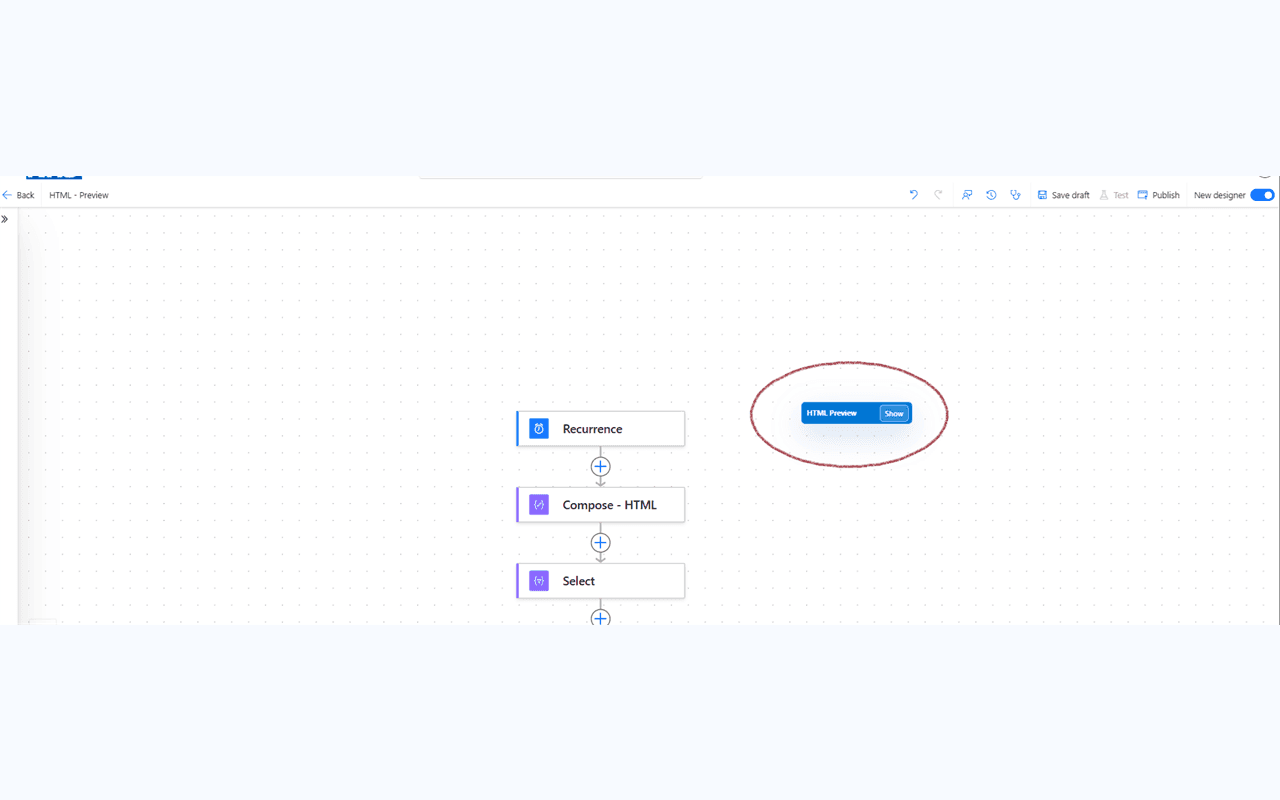
Keep the preview out of the way by dragging it, resizing it, or collapsing it into a small HTML Preview button.
Privacy first
The extension previews HTML locally in your browser and does not send your Power Automate data to DevHexLab servers.
See it in action
The preview panel lives inside the Power Automate designer — no switching tabs, no running the flow first.
Paste HTML into a Compose, email body, or approval field and see the rendered result instantly.
Resize the panel down to a compact view so it stays out of the way while editing.

A built-in help button explains how to use the extension and includes a quick-start HTML example.

Collapse the panel to a small floating button when you don't need the preview visible.
How to use it
- 1Open Microsoft Power Automate and edit a cloud flow.
- 2Click a field such as Compose input, Send an email body, approval details, or an HTML text box.
- 3Paste or type HTML.
- 4Use the floating panel to preview the rendered output locally.
Useful for
- Check HTML in Compose actions before using it later in a flow
- Preview Send an email body content while editing
- Review approval details before sending them to users
- Reduce trial-and-error test runs caused by HTML formatting issues
- Help new makers understand pasted HTML more safely
Privacy first
Power Automate HTML Preview does not collect, store, transmit, sell, or share your Power Automate data. Previewing happens locally in your browser inside a sandboxed iframe.
The DevHexLab.com credit link opens only when clicked. Read the full privacy policy for details.
Read privacy policy